Vă garantăm ca veţi primi cel mai mic preţ. Dacă găsiţi un preţ mai bun în altă parte pentru cursul de aceeaşi limbă în termen de 48 de ore, vă vom restitui diferenţa. Arată detalii
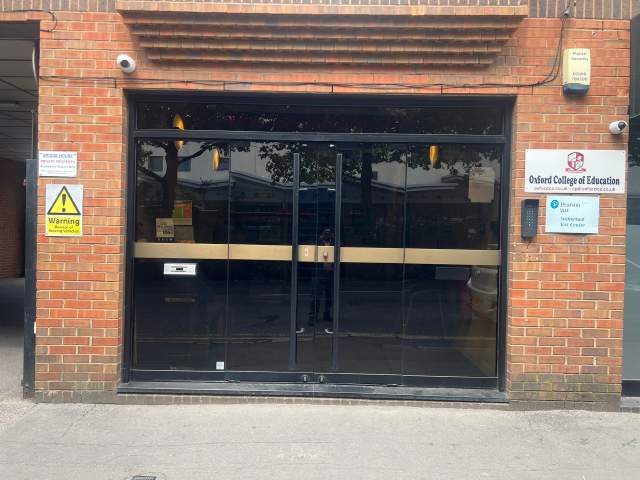
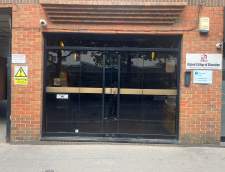
Oxford College of Education Bridge House, 56 Bridge St, High Wycombe, High Wycombe, Buckinghamshire HP11 2EL, UK
Orarul claselor se poate schimba după valabilitate şi anotimp.
Descrierea cursului
(Translated by Google Translate)
Microsoft Excel Certification Level 3
Please Note: This course uses the Windows version of Microsoft Office 2016. Any other versions will have some differences in the functions.
The Microsoft (MS) Excel Certification Level 3 Course is the most comprehensive of the three Excel courses presented here. If a team member has successfully completed the Level 1 and Level 2 courses, they will be fully prepared to start the Level 3 course.
Formulae or functions are what advanced users of Excel want from this tool. When you use formulae, not only can you see the data that you require for your work, you can also analyse it and get answers to complex questions.
Although anyone with some Excel knowledge can use formulae, such as SUM, a user who has the advanced Excel skills presented in this course will use other formulae, both alone and combined, such as MATCH, INDEX, DSUM and VLOOKUP.
In addition to knowing and using these formulae, an advanced user of Excel knows how to debug these formulae, how to audit them and how to choose the perfect formula for the particular task to be carried out.
What’s Covered in the Course?
Any staff member choosing to study this course can expect to gain the following skills:
How to set A Password to an Excel document;
VLOOKUP Advanced formula options and manipulations;
Other advanced functions: OR, AND, CHOOSE, INDIRECT, REPLACE, LEN, LEFT, FIND;
Functions of CEILING, CORREL, DATEDIF, DATEVALUE, DAVERAGE and EDATE;
Colouring a column and row with a formula;
Highlighting a cell with a formula;
Functions of ISODD, ISNUMBER, ISTEXT, ISLOGICAL, ISNONTEXT, ISERR and ISBLANK;
Functions of DGET, DMAX, DPRODUCT, DCOUNTA, DCOUNT and DSUM;
How to calculate depreciation in Excel, including SLN depreciation and SYD depreciation;
Calculating loan IPMT and EMI;
Functions of DATEDIF, DATEVALUE, EDATE, EOMONTH, MATCH and INDEX;
Full explanation of the INDEX and MATCH functions;
Looking up data;
Selecting only cells containing comments;
Hiding formulae;
Automatically inserting serial numbers;
The employee will also learn about calculating depreciation, calculating interest and calculating IPMT and EMI for loans, all by using Excel functions.
The course features information on INDEX and MATCH functions, which is important in certain industries and roles. It also shows learners how to use the CHOOSE formula and how to create special charts.
What are the Benefits of the Course?
Upon completion of the Level 3 course, the employee will have access to the full functionality of Excel and will know how to use all of its formulae, functions and capabilities;
The Level 3 Excel course is designed for ‘power’ users, but not only for programmers and those interested in financial modelling;
Competent Excel users add huge value to an organisation, through advanced data analysis.
Modules
Module 1: Add a Password
Module 2 : AND Function
Module 3 : Auto Updating Drop-down Lists
Module 4 : CEILING Formula
Module 5 : Charts that Update Automatically
Module 6 : CHOOSE Formula
Module 7 : Compare 2 Lists with VLOOKUP Function
Module 8 : CORREL Function
Module 9 : Create an Advanced Calculator
Module 10 : Create a Combo Chart
Module 11 : Create a Custom Tab
Module 12 : Create a Pivot Chart
Module 13 : Create Visual In-cell Indicators
Module 14 : Create Visual In-cell Indicators with Icon Sets
Module 15: Customise the Status Bar
Module 16: DATEDIF Function
Module 17: DATEVALUE Function
Module 18: DAVERAGE Function
Module 19 : DCOUNT Function
Module 20 : DCOUNTA Function
Module 21 : Depreciation Formula
Module 22 : DGET Function
Module 23 : DMAX Function
Module 24 : DPRODUCT
Module 25: DSUM Function
Module 26: EDATE Function
Module 27: EOMONTH Function
Module 28: Find and Replace
Module 29: FIND Function
Module 30: INDEX Function
Module 31: INDEX MATCH Function
Module 32: INDIRECT Function
Module 33: Insert Serial Number Automatically
Module 34: IPMT Function
Module 35: ISBLANK Function
Module 36: ISERR Function
Module 37: ISLOGICAL Function
Module 38: ISNONTEXT Function
Module 39: ISNUMBER Function
Module 40: ISODD Function
Module 41: Isolate First Name
Module 42: ISTEXT Formula
Module 43: LEFT Function
Module 44: LEN Function
Module 45: MATCH Function
Module 46: VLOOKUP Multiple Results at Once
Module 47: OR Function
Module 48: PMT Function
Module 49: REPLACE Function
Module 50: Select all Cells with Comments
Module 51: Sparkline Charts in Excel
Module 52: Straight Line Depreciation
Module 53: Strikethrough
Module 54: Sum of Years Depreciation
Module 55: Timeline in Pivot Table
Module 56: VLOOKUP with 2 Criteria
Module 57: VLOOKUP with DropDown List
Module 58: VLOOKUP with MAX
Module 59: VLOOKUP with MIN
Module 60: Watch Window In Excel
Nivelul clasei
Toate nivelele, de la începător la avansat
Veţi susţine un test de plasare în prima zi de studiu pentru a determina nivelul cunoştiintelor dumneavoastră. Puteti da, de asemenea, acest test inainte de sosirea dvs. in High Wycombe.
Mărimea clasei
Mediu
12 studenţi
Maxim
15 studenţi
Vârsta studentului
Sfera de vârstă
16 - 35 de ani
Mediu
19 ani
Certificat
Un certificat care atestă finalizarea cursului va fi valabil la sfarşitul cursului.
Citiţi mai mult...
school
Descrierea Şcolii
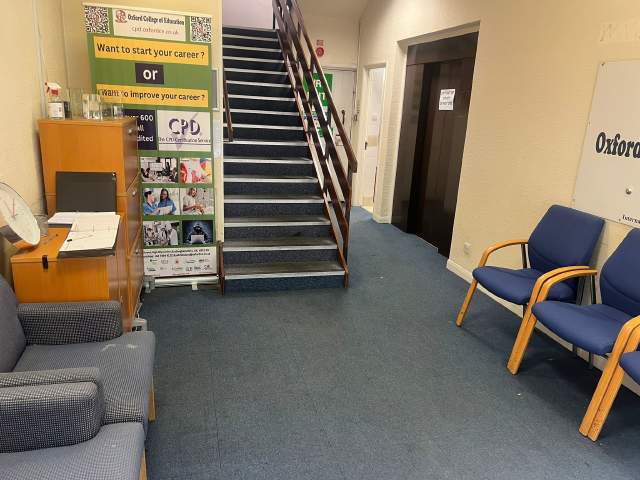
OCE este localizată în inima High Wycombe şi este una dintre cele mai populare şcoli din Regatul Unit. Şcoala este specializată în predarea Engleză studenţilor străini ca tine. Dimensiunea clasei lor este de asemenea foarte mică în comparaţie cu alte şcoli. Ei au, de asemenea, profesori foarte prietenoşi şi membri ai personalului care vor avea grijă de tine în timp ce eşti în High Wycombe.
Anul deschis
2017
Numărul de săli de clasă
6
Acreditări
Facilităţi
Bibliotecă
Ascensoare
Acces pentru scaun cu rotile
Zona de alimentatie
Gratuit la internet
Internet wireless
Calculatoare
Seminarii după clase
Studiu zonă
Audio învăţare
Calificarile Profesorului
Vorbitori nativi de Engleză
Peste 50%
Profesori cu Engleză teaching certification
Peste 50%
Profesori cu diplome de facultate
Peste 50%
Naţionalitate şi amestecuri de vârste
Naţionalitatea şi amestecurile de vârste la Oxford College of Education variază pe anumite perioade de timp, cursuri şi nivele. De-a lungul anului, media de vârstă este 19. Pe timpul verii, media de vârstă este 19.
Vacanţe
OCE nu deţine pe clase de vacanţă datele de mai jos. şcoala nu compensează pentru aceste sărbători, astfel încât asiguraţi-vă că pentru a alege data de începere în mod corect.
date deschise
tot anul
Vacanţe
Nimic
Citiţi mai mult...
photos
Fotografii
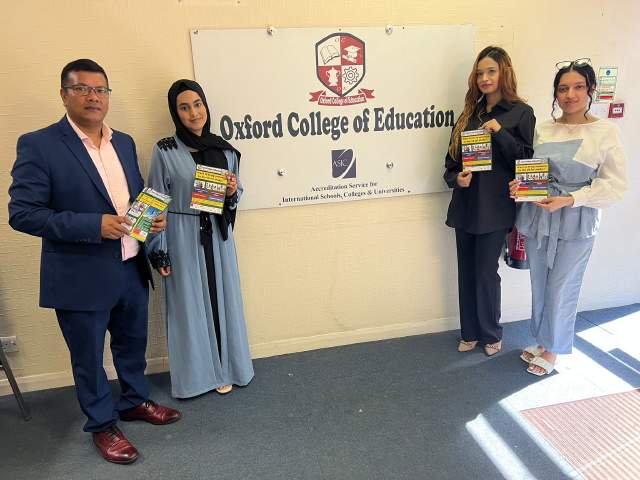
Oxford College of Education1/10
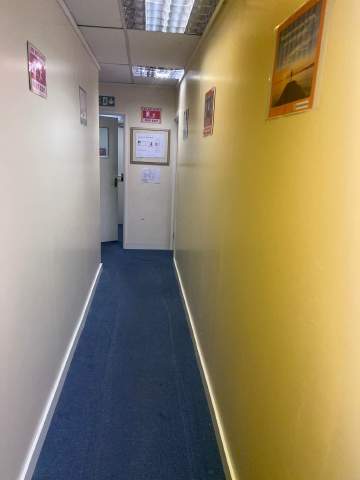
Oxford College of Education2/10
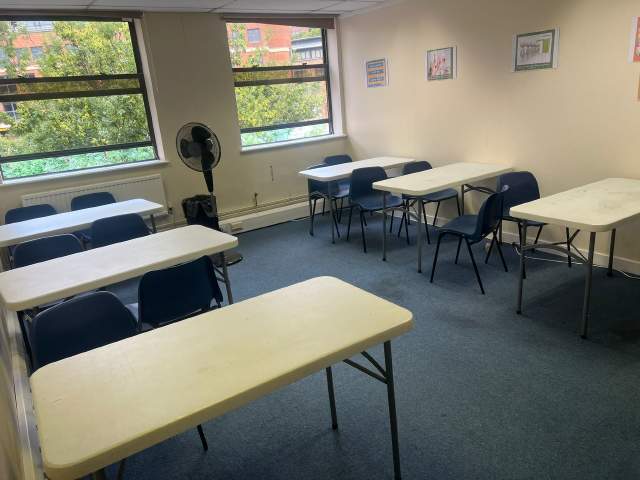
Oxford College of Education3/10
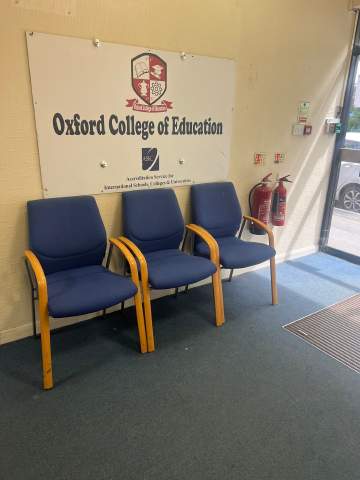
Oxford College of Education4/10
Oxford College of Education5/10
Oxford College of Education6/10
Oxford College of Education7/10
Oxford College of Education8/10
Oxford College of Education9/10
Oxford College of Education10/10
visa
Suport pentru Viză
Nu putem aplica vize în numele studenţilor. Cu toate acestea, şcoala poate furniza toate documentele de care aveţi nevoie pentru a sprijini cererea dumneavoastră pentru o viză.
Dacă studiaţi în Marea Britanie de peste 11 luni, veţi primi un număr de referinţă numit Confirmarea de acceptare la studii (CAS), pe care trebuie să o depuneţi la ambasada Marii Britanii, împreună cu cerere de viză General Student. Studenţii care au rezervat cu succes un curs de limbă şi au achitat taxele, vor primi datele de procesare CAS de la OCE. Vă rugăm să reţineţi că legile Regatului Unit prevăd o procesare CAS doar studenţilor ce intenţionează să urmeze studii în limba engleză pentru mai bine de 11 luni.
Dacă studiaţi în Marea Britanie de 11 luni sau mai puţin, va trebui să aplicaţi pentru o viză de vizitator special numită Student Visitor Visa. Ca student vizitator, nu veţi fi capabil să lucraţi part-time în timp ce veţi studia. Dacă aveţi de gând să studiaţi în Marea Britanie timp de 11 luni sau mai puţin, o scrisoare de acceptare va fi trimisă la adresa de acasă, prin poştă, gratuit.
Please note that we do not book flights for our students. If you are researching airfare costs, we recommend using Kayak.com, a search engine that lets you compare flight options from your home country to High Wycombe based on your budget, schedule and preferences.
Asigurare de călătorie
Studiaţi în afară fară griji cu asigurarea personală şi cea de sănătate de la Language International. Atunci când vă închiriaţi un curs la noi, puteţi opta pentru cumpărarea unui plan de asigurare internaţional care nu doar acoperă sănătatea ci şi bunurile personale pierdute. Trebuie să vă rezervaţi asigurarea înainte de a vă înregistra.