Digital Art Tools for Photoshop Certification

Oxford College of Education

Preţ
school-reference
detail

Orarul clasei

Durata cursului
52 de săptămâni
Datele începerii
În fiecare luni
Cursuri pe săptămână
1 lesson per week (fiecare lecţie durează 60 min)
Zilele claselor
luni - duminică

Orarul claselor se poate schimba după valabilitate şi anotimp.

Descrierea cursului

Digital Art Tools for Photoshop Certification
Ever wonder why a picture in a magazine looks flawless or how creative an advertising banner looks? While being a professional designer or photographer may have a lot to do with it, the potential to create amazing images is possible for anyone. The key is to learn how to use the right post-production software, such as Adobe Photoshop. The ability to create multi-layers with unique effects and designs allows the designer to add depth and dimension. It is important to understand what Photoshop is used for as it has multiple functions and can be a very useful tool in not just editing photos, but also creating pamphlets, banners, business cards and flyers. This course will teach you about the benefits of such a program and also provides instructions on how to use it for both professional and personal needs.

Throughout the course, you will see 21 different videos. Each video will take you on a step-by-step journey through the basic features of Photoshop. While there are several obvious features, such as the ‘Layers’ dialogue box, there are additional ways to use each tool to maximise the post effects of a photo.

In this course, you will learn:
How to create a new file and adjust a canvas size that is suitable to project needs
How to navigate through the software, where to find its tools and understand the layout of the page
Learn how to identify Photoshop tools and understand their basic functionalities
Learn how to identify the secondary tools, how to select them and what they are used for
Learn shortcuts and understand how and when to use them
How to use the layer option and understand the layer dialogue box
Learn how to use and apply adjustment layers
How to add effects and filter to an existing image
Course Benefits:
You will learn the basic steps of using Photoshop and can begin to create a design
How to become more efficient by using shortcuts and understanding the use of specific tools
You will understand how to enhance an image and ways to crop the image to reuse for another project
The importance of colours and how they can be adjusted and enhanced using the different colour options such as colour balance
How to use brightness and contrast, exposure and hue and saturation to manipulate a photo
How to use rulers to make creative designs such as pamphlets
Design elements that enhance a creative project

Nivelul clasei

Toate nivelele, de la începător la avansat
Veţi susţine un test de plasare în prima zi de studiu pentru a determina nivelul cunoştiintelor dumneavoastră. Puteti da, de asemenea, acest test inainte de sosirea dvs. in High Wycombe.

Mărimea clasei

Mediu 12 studenţi
Maxim 15 studenţi

Vârsta studentului

Sfera de vârstă 16 - 35 de ani
Mediu 19 ani

Certificat

Un certificat care atestă finalizarea cursului va fi valabil la sfarşitul cursului.
Citiţi mai mult...
school
photos

Fotografii

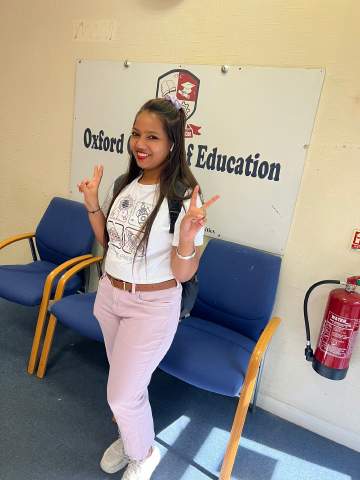
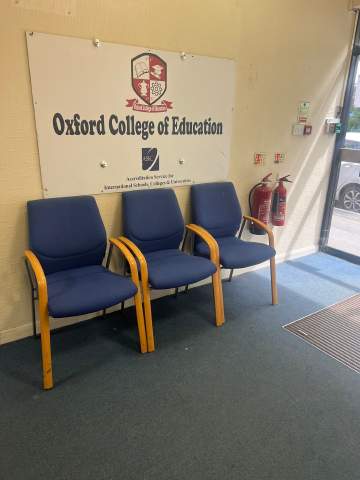
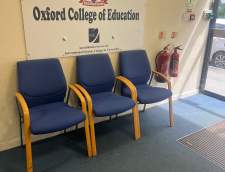
  • Oxford College of Education 1/10
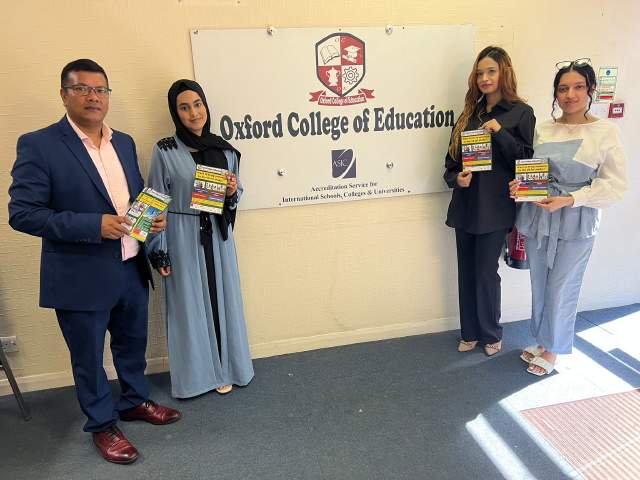
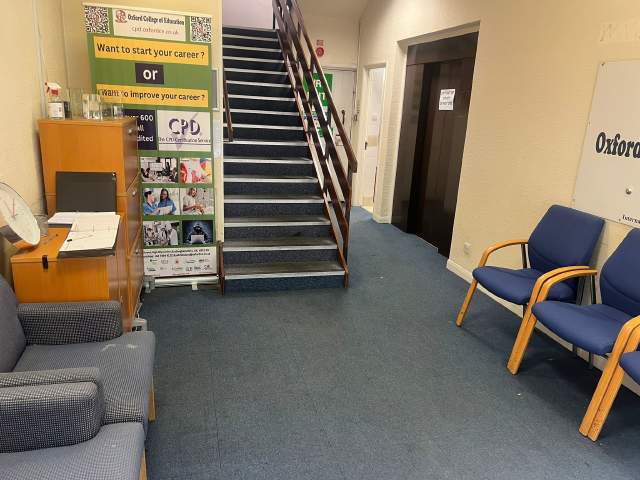
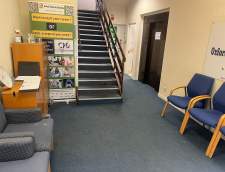
  • Oxford College of Education 2/10
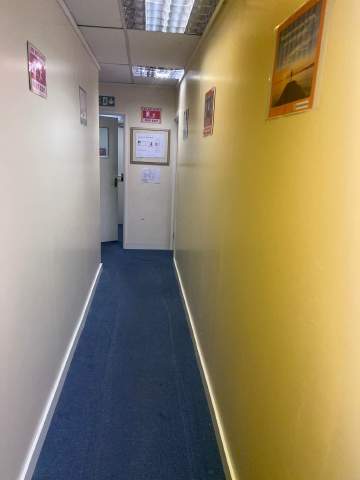
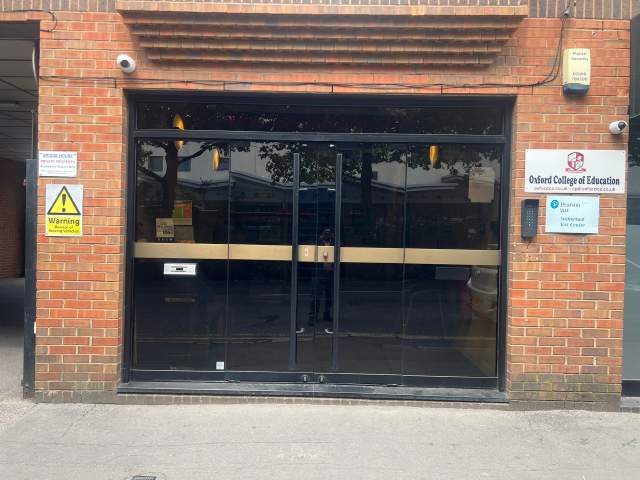
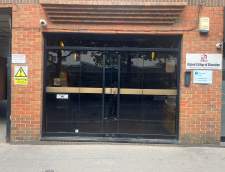
  • Oxford College of Education 3/10
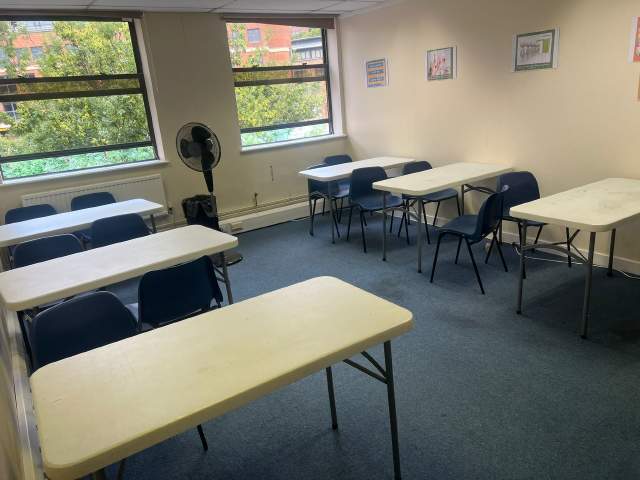
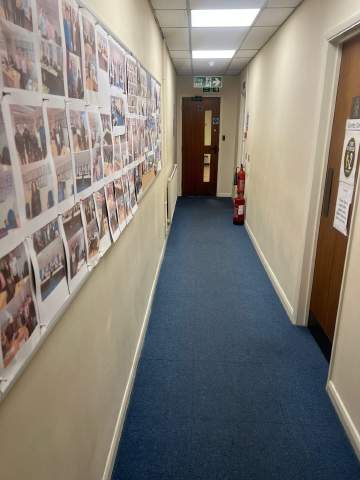
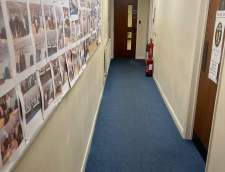
  • Oxford College of Education 4/10
  • Oxford College of Education 5/10
  • Oxford College of Education 6/10
  • Oxford College of Education 7/10
  • Oxford College of Education 8/10
  • Oxford College of Education 9/10
  • Oxford College of Education 10/10
visa

Suport pentru Viză

Nu putem aplica vize în numele studenţilor. Cu toate acestea, şcoala poate furniza toate documentele de care aveţi nevoie pentru a sprijini cererea dumneavoastră pentru o viză.

Dacă studiaţi în Marea Britanie de peste 11 luni, veţi primi un număr de referinţă numit Confirmarea de acceptare la studii (CAS), pe care trebuie să o depuneţi la ambasada Marii Britanii, împreună cu cerere de viză General Student. Studenţii care au rezervat cu succes un curs de limbă şi au achitat taxele, vor primi datele de procesare CAS de la OCE. Vă rugăm să reţineţi că legile Regatului Unit prevăd o procesare CAS doar studenţilor ce intenţionează să urmeze studii în limba engleză pentru mai bine de 11 luni.

Dacă studiaţi în Marea Britanie de 11 luni sau mai puţin, va trebui să aplicaţi pentru o viză de vizitator special numită Student Visitor Visa. Ca student vizitator, nu veţi fi capabil să lucraţi part-time în timp ce veţi studia. Dacă aveţi de gând să studiaţi în Marea Britanie timp de 11 luni sau mai puţin, o scrisoare de acceptare va fi trimisă la adresa de acasă, prin poştă, gratuit.

Aflaţi mai multe despre cum să obţineţi procesarea unei vize pentru Marea Britanie »

Zboruri şi transfer aeroport

Please note that we do not book flights for our students. If you are researching airfare costs, we recommend using Kayak.com, a search engine that lets you compare flight options from your home country to High Wycombe based on your budget, schedule and preferences.

Asigurare de călătorie

Studiaţi în afară fară griji cu asigurarea personală şi cea de sănătate de la Language International. Atunci când vă închiriaţi un curs la noi, puteţi opta pentru cumpărarea unui plan de asigurare internaţional care nu doar acoperă sănătatea ci şi bunurile personale pierdute. Trebuie să vă rezervaţi asigurarea înainte de a vă înregistra.

Aflaţi mai multe despre planul nostru de asigurare »

Citiţi mai mult...
questions

Intrebari si raspunsuri

Aveţi întrebări? Obțineți răspunsuri de la consilierii noştri, personalul școlii Oxford College of Education și elevi din trecut.

Ask a question
Arată prețurile